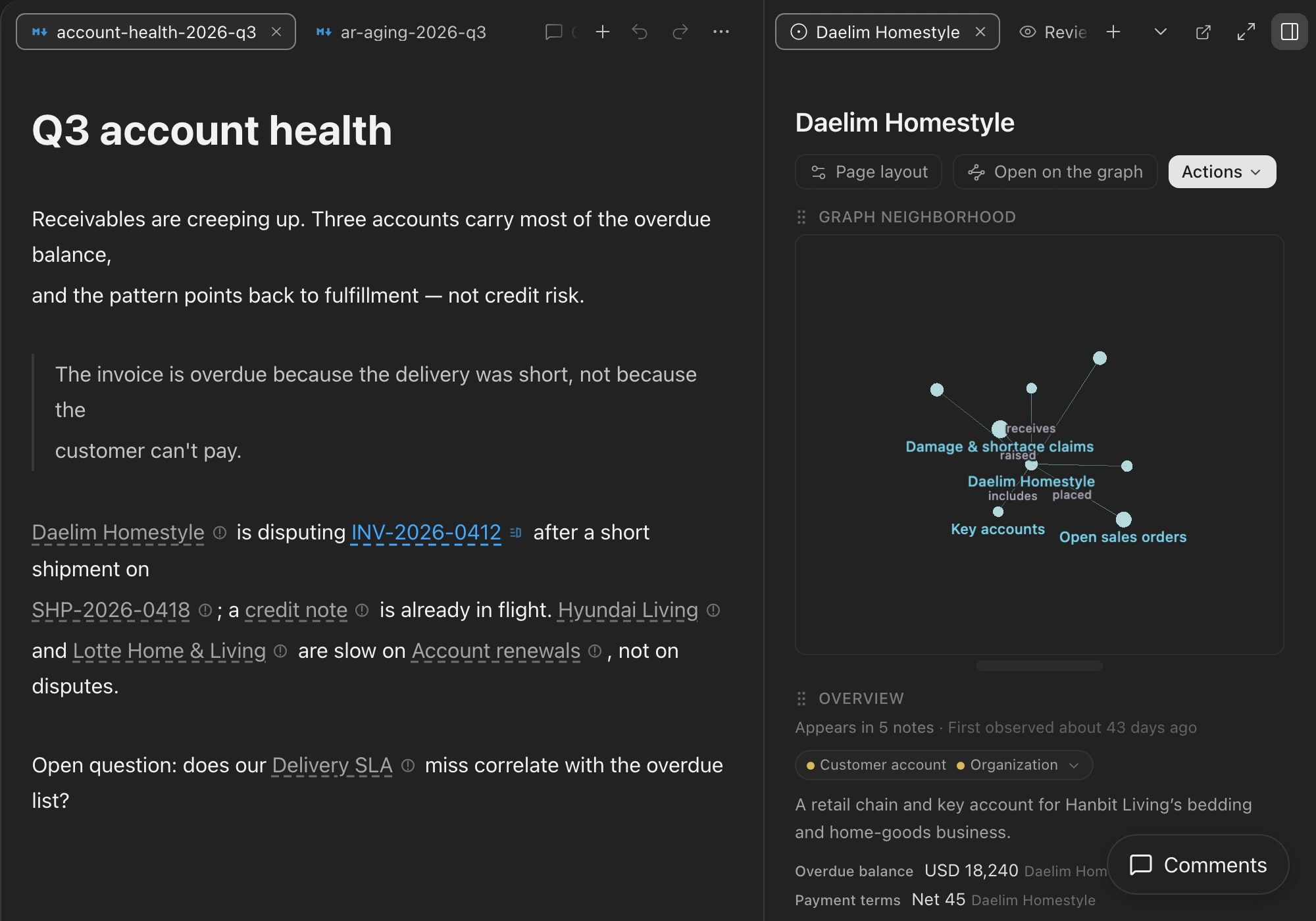
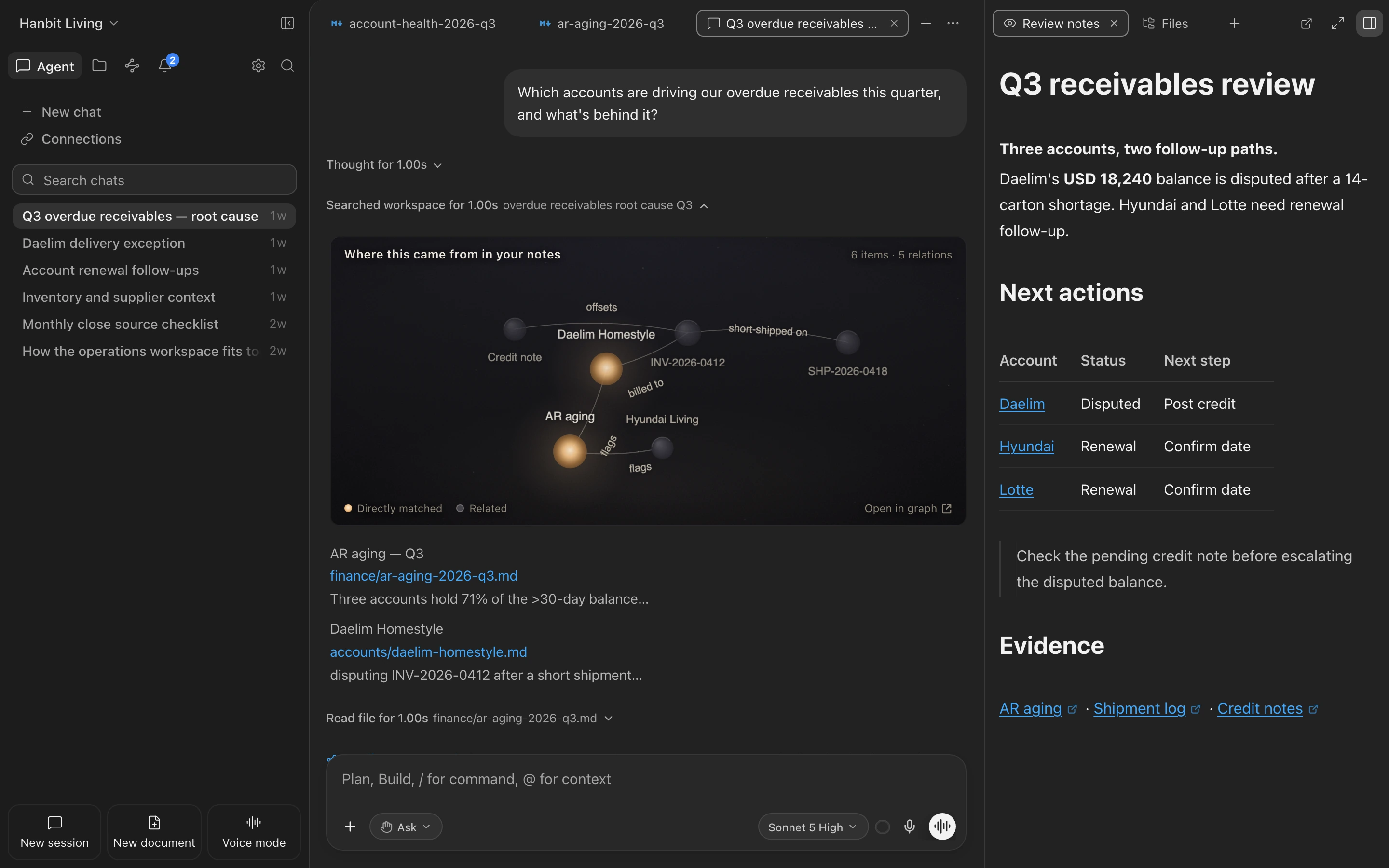
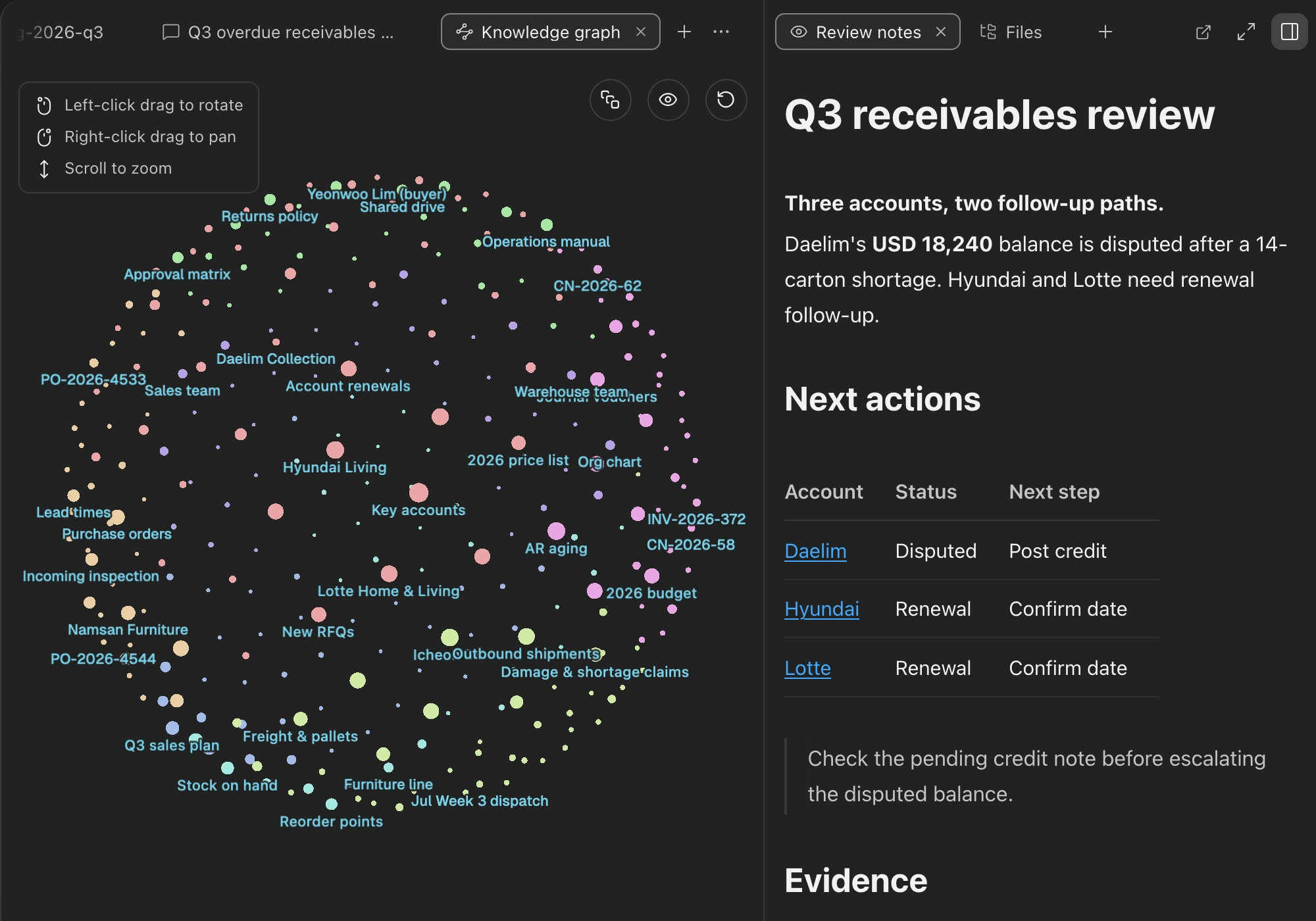
ただ書いて、ファイルを入れて、いつも通りコーディングするだけ — Consilienceがノート・コード・デザイン・地図にまたがってナレッジグラフを静かに育てます。その上でエージェントが働きます。複雑な問いを投げても、仕事を丸ごと任せても、あなたが積み上げたすべてを使います。
Consilience はワークスペースを自動でオントロジー・ナレッジグラフへと編み上げます。だから同じ一言でも、ふつうの AI エージェントには届かない深さで答え、こなします。
スプレッドシート、Word、PDF、画像、URLを内容そのまま取り込むと、主要な概念と関係が自動でナレッジグラフに織り上がります。エージェントはその上で推論し、答え、働きます — 真のセカンドブレインです。
表、数式、図、ウィキリンク、スラッシュメニューを自在に使えるエディターです。ノートを直せばナレッジグラフも一緒に変わります。
コードの構造と意味を理解し、直すべき箇所を正確に突き止め、計画し、探し、直し、実際に実行して検証します。
エージェントがスライドやページのようなビジュアルを作り、その場でレンダリングして見せます。直したい箇所を指して、AIに任せましょう。
ジオコーディングでグラフの中の住所や場所を座標に変え、エージェントがリクエストごとにインタラクティブな地図を作ります — ホットスポット、地域別の集計、到達圏、経路まで。座標の計算はライブラリが担い、決して推測しないので正確なままです。
ノートだけではありません。コード、ターミナル、外部アプリ、ウェブ、画面まで、同じエージェントがあなたの定めた権限のもとで扱います。
複雑な作業はまず計画から。承認するまで編集を止めます
多数のファイルにまたがる変更を一度に計画して適用します
ビルドやテストを実行し、結果を読んで次を決めます
画面を見て、デスクトップアプリをマウスとキーボードで扱います
Notionなどの外部アプリを権限のもとで直接操作します
必要なときにウェブから最新情報を取り、根拠にします
概念と関係をたどってワークスペース全体から探し出します
ノートがどんなトピックにまとまるかを地図として浮かび上がらせます
あなたの分野の用語を学び、あなたの言い方で理解します
同じ意味や隠れたつながりを見つけて先に提案します
推測ではなく、あなたが書いた文から、出典のノートまで
表・数式・図を、本物のマークダウンファイルの中にそのまま
作業ごとに最新モデルと推論の強さを自分で選べます
教えたことや確認したことをノートに残し、賢くなります
変更をレビューし、コミットやブランチをその場で扱います
ツールごとに実行権限をあらかじめ決め、必要なときだけ尋ねます
ワークスペースをファイルやリンクで共有し、そのまま開きます
グラフの中の場所を座標に変えて地図に載せ、その上で分析します
さまざまな業界の現場が実際にぶつかった問題と、それを解いた方法。カードをめくって事例を読んでみてください。
Construction staff stop paging through the subcontracting law themselves. They ask in their own words, and the answer comes back with the rule it is based on and a link to the original text.
Ask the 32-page Subcontracting Act something like "if we pay more than 60 days late, what about the late-payment interest?" and get an answer with the supporting clause and its source link attached.
Customer PoC · Demo事例を読む →Personal notesA product manager with five years and 1,800 notes finds his own writing using a concept that appears nowhere in the title.
Keyword search only finds notes that contain the words you typed. Ask a question instead and you also get the notes that cover the same topic in different words. Ask about the subscription economy and a note titled "Membership retention ideas" comes back, even though it never uses that phrase.
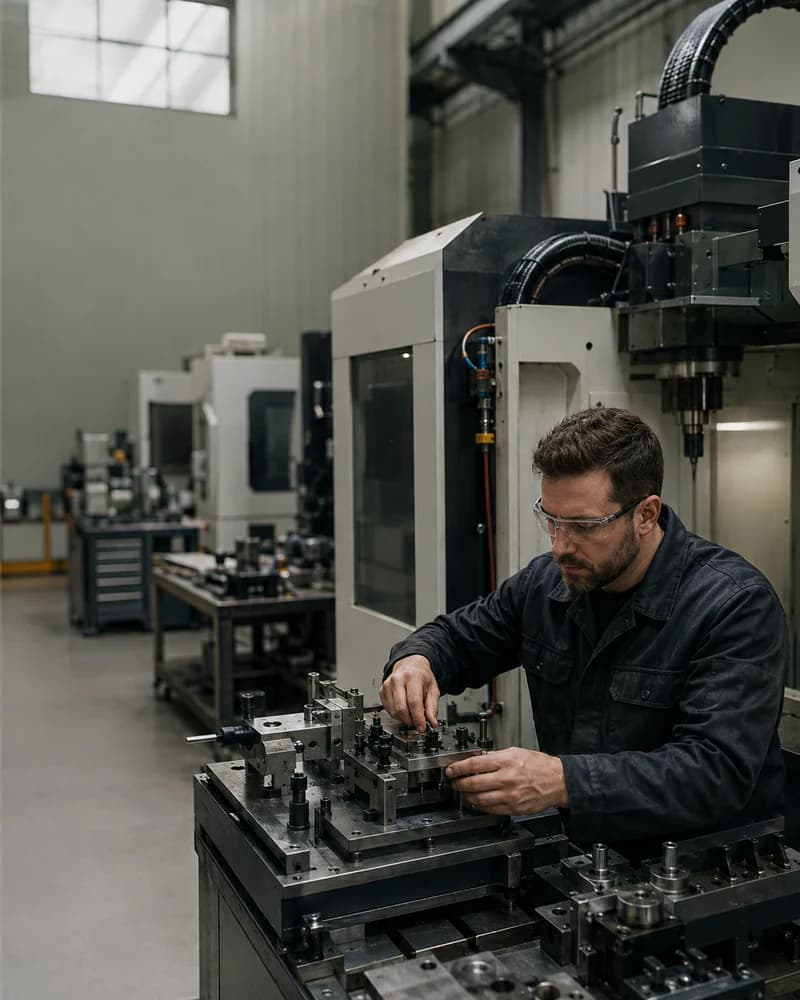
Example · Hypothetical scenario事例を読む →ManufacturingThe same machine is called three different things in three systems, so searching one name never returns the history filed under the other two. Confirming the three as one machine is what makes 15 years of scanned logs, 30,000 MES rows, and a weekly interview recording answer as a single history.
The answer is written down, but you only find it if you search the exact word it was written under. Consilience links the different words people use for the same thing, so searching any one of them returns all of it, with a link to the record each answer came from.
Example · Hypothetical scenario事例を読む →Pharma & Chemical R&DInternal reports, patents, and outside papers all answer in one chat, so there is no toggling between three systems. Every answer carries its source: the document name and page, the patent conditions, the paper metadata.
Ask internal technical reports, patents, and external papers in one chat without moving windows, and get a report where the document name and page, the patent conditions, and the paper metadata are attached as sources.
Customer PoC · Demo事例を読む →Software teamsThe CTO of a 30-person B2B SaaS company questions 200-odd meeting notes and a pile of architecture decision records one decision at a time. The original sentence and its revision trail outlast the person who wrote it.
Ask what your team decided on any topic and the decisions come back in order, starting with the most recent. Each one names who made it and links to the exact line in the meeting notes where it was recorded. If a decision was later reversed, it is marked as replaced, so you never act on one that no longer stands.
Example · Hypothetical scenario事例を読む →Personal investingA retail investor with eight years of research notes pulls the assumption he wrote at buy time back up, sets a watch on the words that assumption hangs on, and gets a notification when new stories come in.
The note you wrote when you bought a stock and any news you clip about it later end up on the same page. When an incoming story mentions something you're watching, you get a "Watch: capacity expansion" notification. Ask about that stock and the answer quotes your note and the article side by side.
Example · Hypothetical scenario事例を読む →はい。Consilience はローカルファーストです — ノートとナレッジグラフはあなたのデバイスにあります。あなたのノートでモデルを学習させることはなく、インデックスと検索はデバイス上で動き、ウェブアクセスは既定でオフです。エージェントは行動する前に許可を求めます。
アプリ、ノート、ナレッジグラフはすべてオフラインで動作します。エージェントは言語モデルに届くときだけ接続が必要で、あなたが積み上げたものはデバイスに残り、そのまま読み込まれます。
ノート、PDF、Word、スプレッドシート、画像、ウェブページ、コードまで — 要約に押しつぶさず、全内容を忠実に取り込みます。
はい。マークダウンやファイルをそのまま持ち込めます。ノートはどこでも開けて、いつでもエクスポートできる標準ファイルのまま — ロックインはありません。
現在は macOS と Windows です。無料で始められ、お使いのシステムに合うビルドを自動でダウンロードします。
エージェントをどれだけ使えるかだけです。無料を含むすべてのプランが完全なワークスペースで、有料プランは使用量を引き上げるだけ。いつでも解約できます。