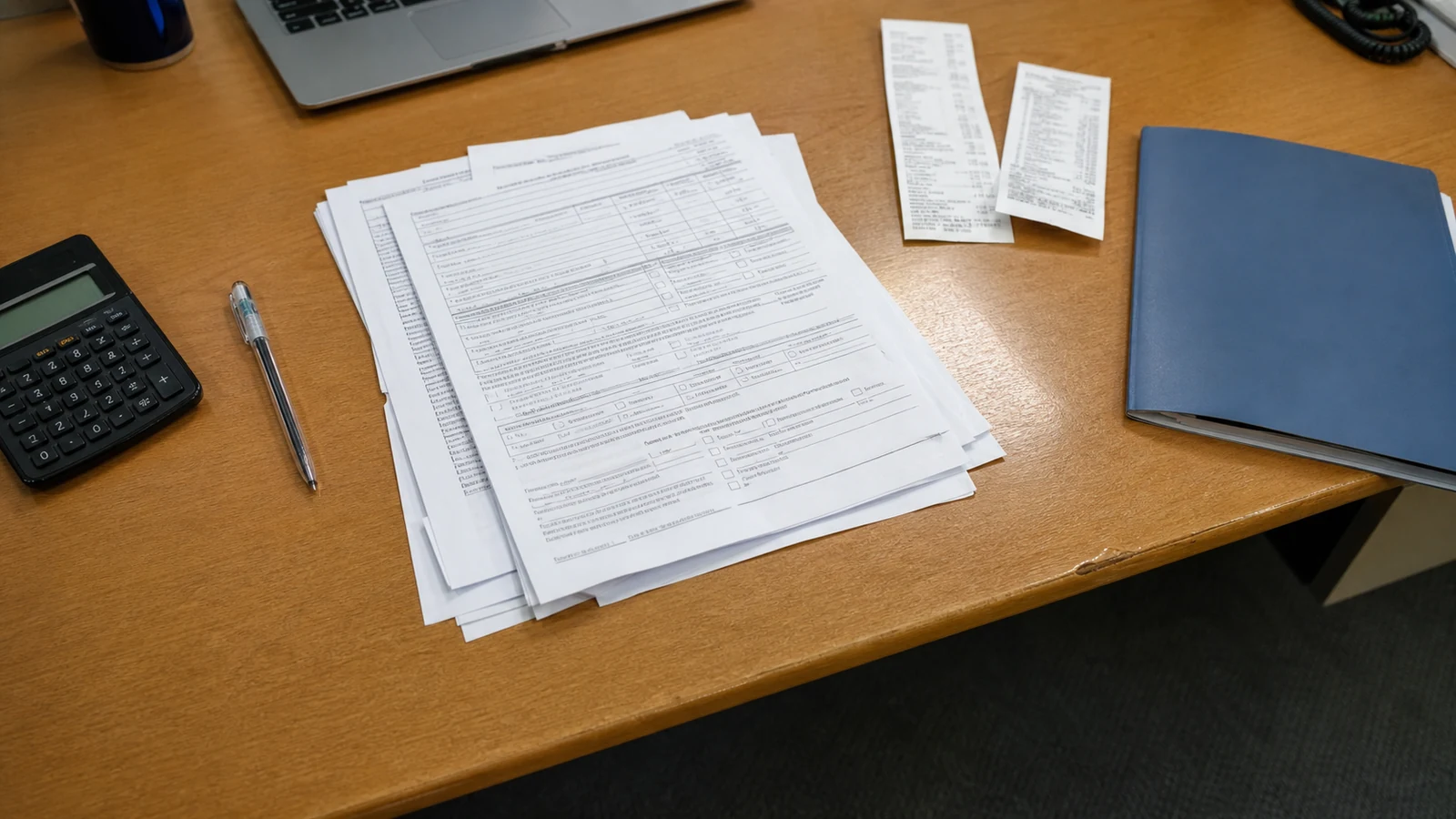
The shipment route
Bookings and shipping documents trace each stage of the shipment’s journey.

Connect shipment delays to customer orders and delivery dates. Your team can check alternative stock, adjust transport plans, and give customers an informed update.
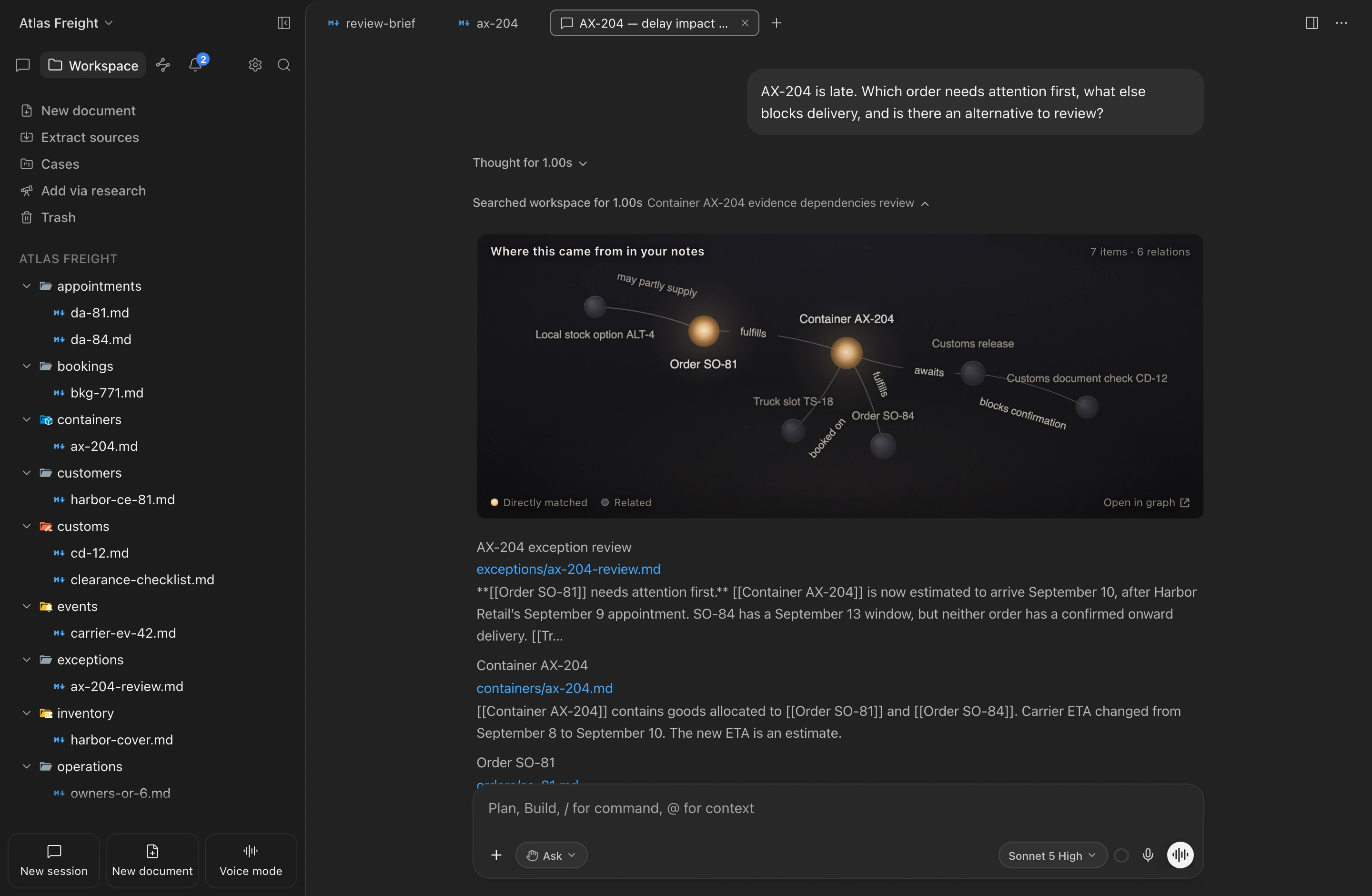
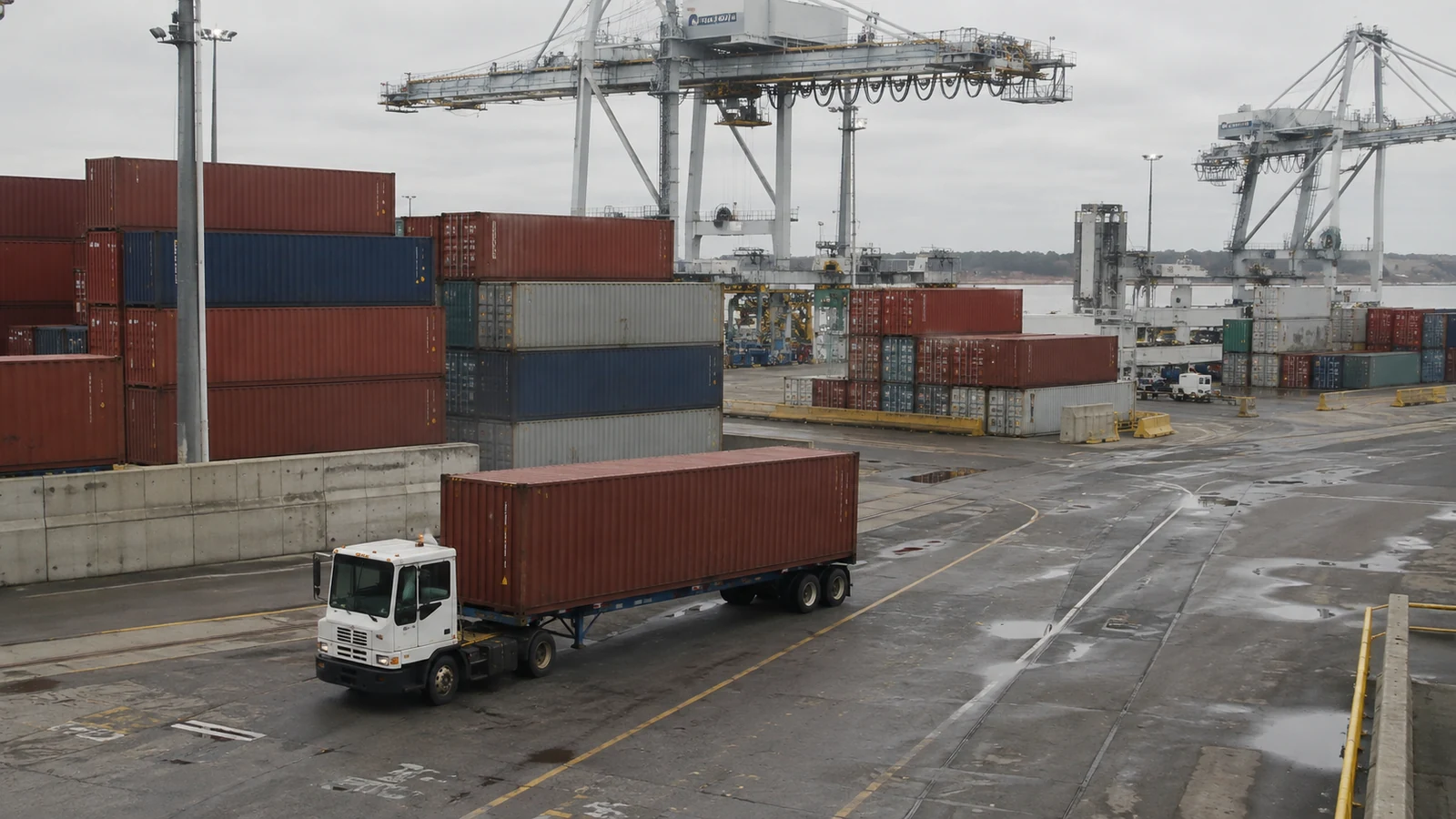
Container AX-204 holds goods for two orders with different receiving windows. The revised arrival estimate is too late for one appointment, while the truck booking and customs paperwork still reflect the old plan. A nearby warehouse has matching stock, but only enough to cover part of the urgent order.
The fictional Atlas Freight workspace brings together delivery deadlines, transport bookings, customs updates, and nearby stock. It shows which orders need a revised plan and which alternatives still need checking.
Bookings and shipping documents trace each stage of the shipment’s journey.
Carrier and port updates show what changed and when it was recorded.
Comparing the revised arrival estimate with promised delivery dates identifies the orders at risk.
Truck bookings and team messages reveal which arrangements and customer updates need to change.
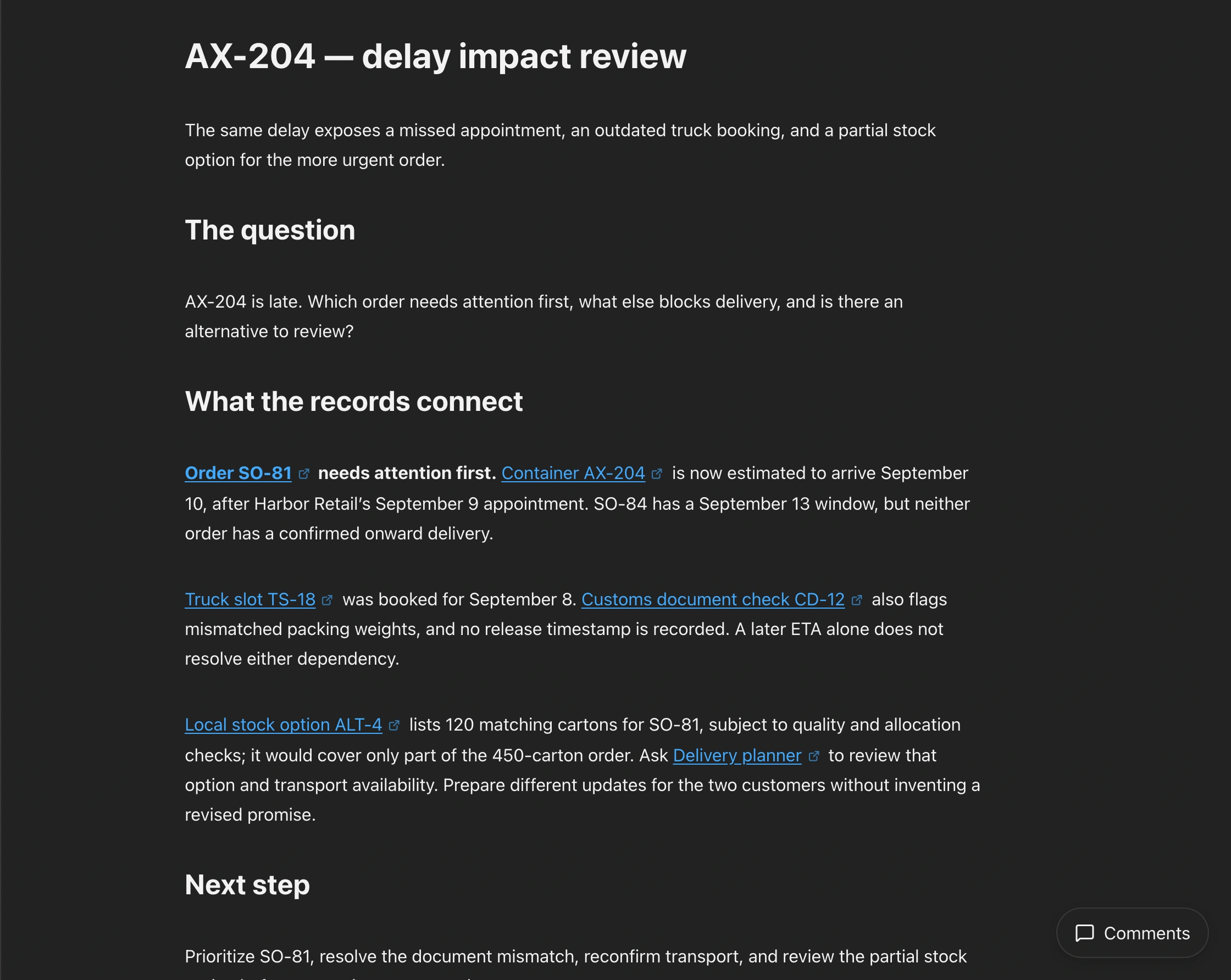
Match the container’s goods to each order’s receiving window and Harbor’s local-stock note. The revised arrival estimate is too late for order SO-81’s September 9 appointment. Order SO-84 has more time, but customs clearance and onward transport still need confirmation.
AX-204 is late. Which order needs attention first, what else blocks delivery, and is there an alternative to review?
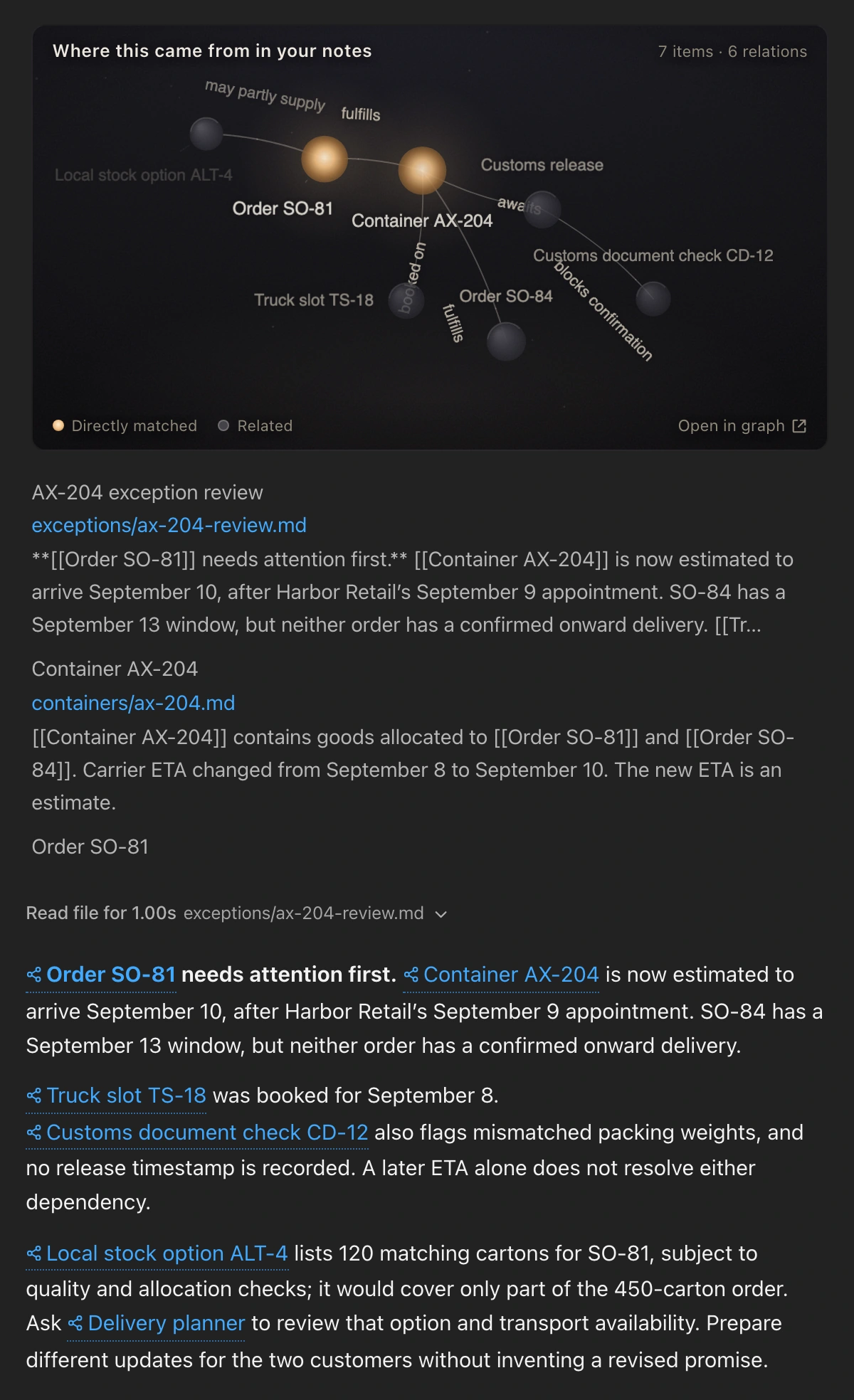
The September 8 truck booking no longer fits the arrival estimate. The customs filing and revised packing list show different weights, and customs release remains unconfirmed. These mismatches and pending checks belong in one timeline before the team proposes a delivery date.
Which AX-204 delivery dependencies still use outdated or incomplete information?
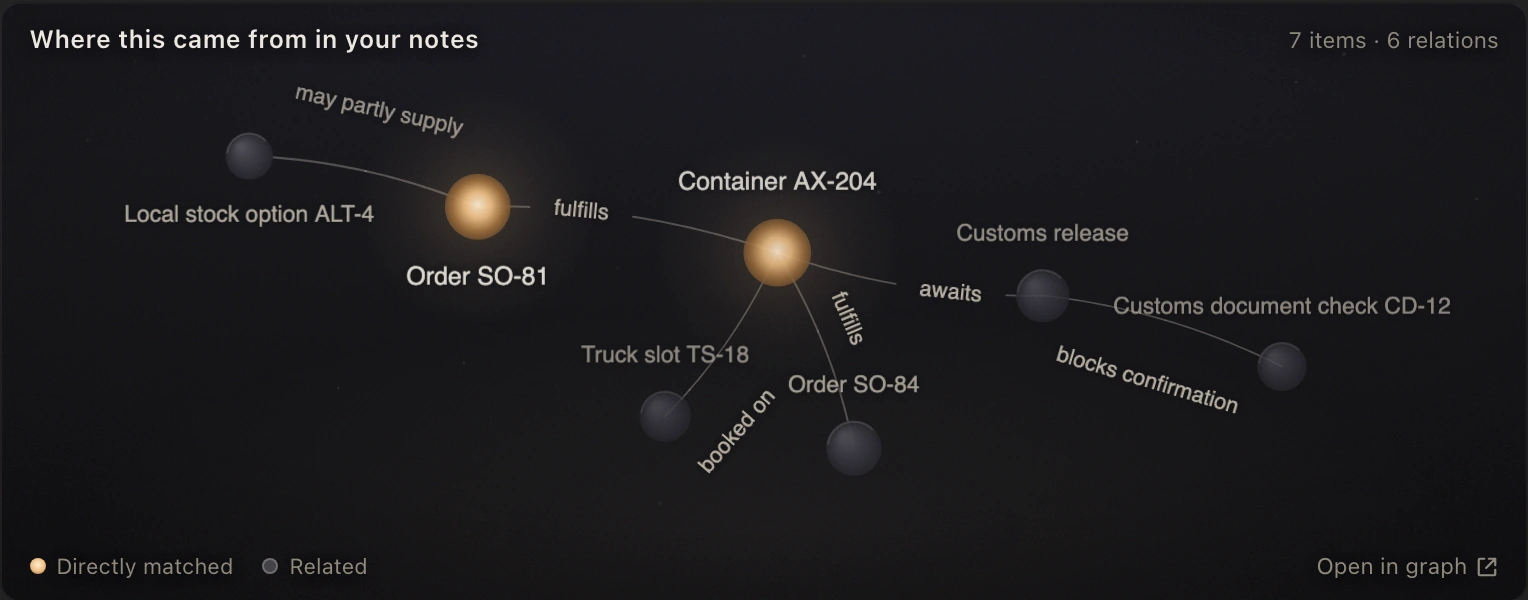
Compare the 120 local cartons with SO-81’s 450-carton order. Record the shortfall and the quality and allocation checks still needed. Separate draft updates explain each customer’s situation for the planner to review.
Review the local-stock option for SO-81 and draft different updates for Harbor and Northline.
Compare invoices, packing lists, and shipment reference numbers with the documents requested for the shipment.
Connect a missed appointment to transport events, warehouse records, and the agreed receiving window to understand what happened.
Review quoted terms, transport events, and invoiced charges together to prepare a response to a billing question.
EngramRAG
EngramRAG connects new shipment events to order allocations, agreed delivery dates, and earlier coordination. When an arrival estimate changes, the team can revisit the plans that relied on it while retaining each update’s source and timing.
Container, booking, shipment, and order numbers link records for the same movement of goods.
Event timestamps stay with the records, keeping new information distinct from earlier estimates.
Revised plans and customer replies remain attached to the affected order.
Bring shipment records and agreed delivery dates into a workspace where your operations team can review the same information.